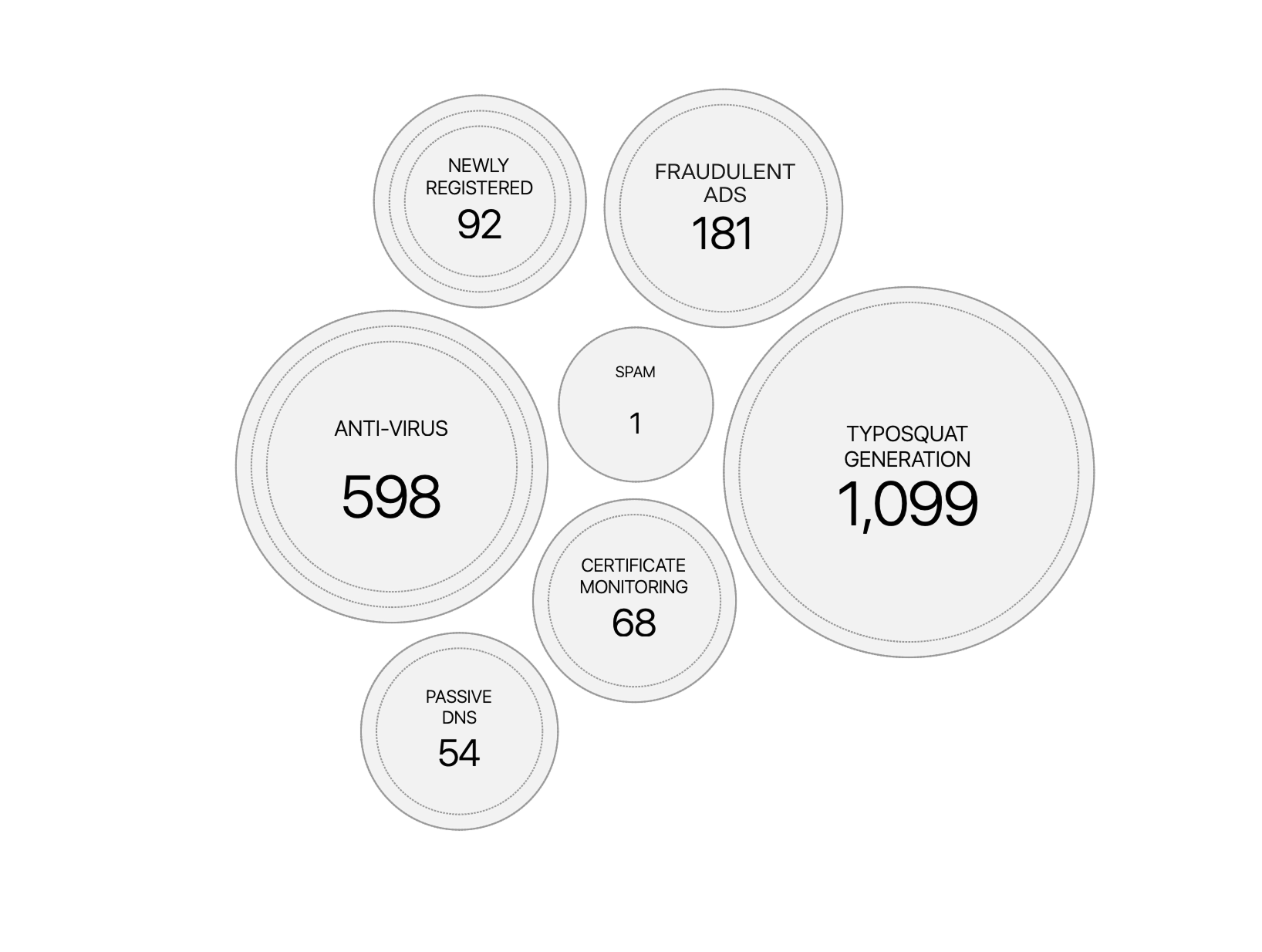
About Fraudulent Ads
Overview
Fraudulent ads (also referred to as scam ads or paid scam ads) are advertisements that impersonate a trusted brand to deceive users into clicking malicious links, sharing sensitive information, or completing fraudulent purchases. These campaigns may appear across search engines, display networks, and social media platforms, often directing users to phishing websites or other malicious destinations.
Bolster AI detects and tracks fraudulent ads across both the Web and Social Media.
Track Fraudulent Ads in the Web Module
The Web module provides multiple ways to identify and analyze findings originating from fraudulent ads.
1. Dashboard Overview
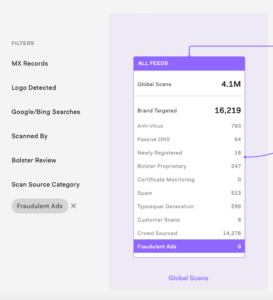
From the Overview dashboard, use the Scan Source Category filter and select Fraudulent Ads under Global Scans.
This filters the funnel to display only URLs associated with fraudulent ad campaigns, helping you understand how these threats are distributed across the attack lifecycle. Click any attack bucket to view the corresponding URLs and investigate findings in that stage.
2. Filter Table Views
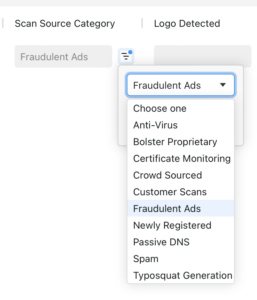
Every Web table that includes the Scan Source Category column can be filtered by Fraudulent Ads. This allows analysts to quickly isolate URLs and domains associated with fraudulent ads.
Tags
Use pre-defined tags or create custom tags such as Scam Ads or Paid Ads to organize, search, and filter fraudulent ad URLs more efficiently.
Track Fraudulent Ads in the Social Media Module
Social media findings associated with fraudulent advertising can be tracked by:
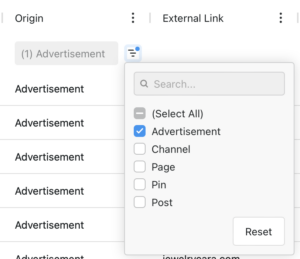
- Filter the Origin column and select Advertisement to display sponsored or paid advertising findings.
- Apply custom tags (for example, Scam Ads or Paid Ads) to group related findings and make future filtering, investigations, and reporting easier.
Signal View
Navigate to Signals, change the visualization focus to Scan Source Category, and select Fraudulent Ads to view the overall volume of findings. This helps you understand the volume of fraudulent ad findings within your attack surface.