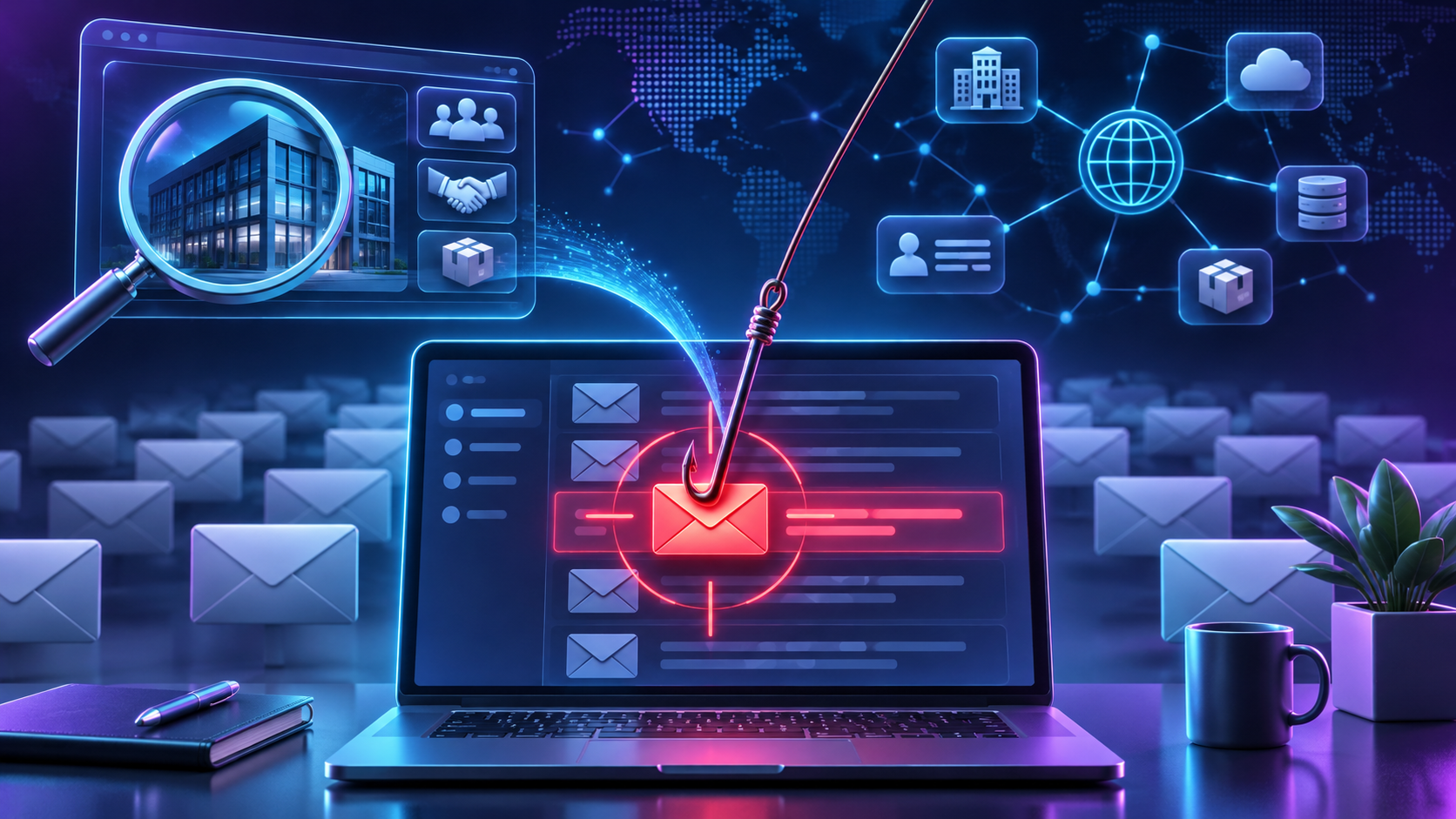
Spear phishing and mass phishing are both email-based fraud, but the difference comes down to how much the attacker already knows about you before sending anything. Mass phishing goes out to thousands of addresses with no personalization, betting that a small percentage will click. Spear phishing targets one person or one organization, using details, a manager's name, a real vendor, an actual project, pulled from research the attacker did beforehand.
When that research extends to your brand itself, the lookalike domain, the vendor list, the public-facing details attackers scrape before building an impersonation, the problem stops being something an inbox filter can solve. What follows covers what separates the two attack types, how attackers build the version that targets your brand specifically, and where the defenses actually diverge.
Targeted research versus mass distribution
The difference between phishing and spear phishing comes down to volume against preparation. Arctic Wolf frames it directly: The main difference between phishing and spear phishing is phishing relies on quantity while spear phishing relies on quality. Mass phishing counts on scale, sending the same generic message to a broad distribution list and expecting a small conversion rate to make the campaign worthwhile.
Spear phishing works the opposite way. Instead of a message built for anyone, the attacker researches a specific person or role and builds something that fits their world: the right manager's name, a real project, a genuine vendor, the tone of a colleague. One documented case shows how far this personalization goes. An attacker learned invoice details from a compromised inbox and paired them with a lookalike domain only one letter off from the real one.
The scope narrows accordingly. Spear phishing campaigns generally target an individual or a smaller group, while phishing focuses on extensive outreach across as many inboxes as the attacker can reach. That narrower scope is also why spear phishing drives so much of the real damage: ninety-five percent of successful enterprise network and server attacks trace back to spear phishing emails, not the mass campaigns most people picture when they hear the word phishing.
How attackers gather the details that make the message convincing
Before an attacker sends anything, they spend time building a profile of the target. Arctic Wolf's recon list is useful here: social media, company websites, previous phishing attempts, and even phone calls, all used to learn employee names and how an organization is structured. Even an automatic out-of-office reply can hand over enough, a name, a title, a few days when someone won't be reachable to double-check a request.
That research increasingly extends past individual employees and into the brand itself. Press releases, vendor lists, and the structure of a company's own website all feed into building a convincing lookalike domain or an impersonation that holds up under a quick glance. A domain one letter off from the real one, paired with a vendor name and invoice format pulled from public material, reads as legitimate because most of what's in it actually is.
A compromised vendor inbox raises the stakes further. If an attacker gains access to even one supplier's mail account, they inherit real invoice numbers, real order amounts, and the actual cadence of how that vendor communicates. The resulting message doesn't look like a guess. It looks like the next email in a thread that was already running.
The payoff for this kind of research is business email compromise, and the losses are not small. Evaldas Rimasauskas used a BEC and invoice fraud scheme to trick two U.S. technology companies into sending more than $120 million to accounts he controlled. Ubiquiti disclosed a separate incident in 2015 where spoofed executive communications triggered unauthorized wire transfers totaling $46.7 million, though some of that was later recovered. Both cases started with the same kind of groundwork described above: enough real detail to make a fraudulent request look routine.
Lookalike domains and spoofed senders as the tell
Sender domain is the one signal in all of this that doesn't depend on judgment calls. The compromised-inbox case above paired a near-perfect lookalike domain, one letter swapped, with an invoice that matched a real order. Nothing about the writing or the request itself needed to look suspicious, because the domain was doing the work of looking legitimate.
A documented case from Spiceworks shows what catching that tell looks like in practice. Partway through a business negotiation, their email address changed from a "gmail.com" address to a "yandex.com" address, a gigantic red flag that the target noticed before anything else in the exchange. That single detail, a domain switch mid-conversation, is what triggered a closer look at everything that followed.
This matters because sender domain and reply-to address are checkable in a way that tone and professionalism are not. An employee can't reliably judge whether a request feels right from someone they've never met, especially when the attacker has already done the homework to sound right. A mismatched domain, on the other hand, is a fact rather than an impression. It's the difference between a signal you can verify and a signal you can only guess at.
Whaling and role based targeting inside spear phishing
Whaling is spear phishing narrowed down to one kind of target: executives and other people with the authority to approve large transactions or access sensitive systems. The mechanics are the same as any spear phishing attempt, research first, tailored message second, but the target list is much shorter and the payoff per successful attempt is much higher.
What makes whaling messages land is context. The NIST Phish Scale describes this as context relevant to the target, and a message aimed at a CFO or CEO has more of it available simply because executives generate more public information: press mentions, conference appearances, quoted statements, org charts that list direct reports. That context is what makes a whaling email believable in a way a generic phishing attempt to the same executive never would be.
Spear phishing more broadly can target any role with useful access, a finance clerk who processes payments, an IT admin with credentials, an assistant who manages a calendar. Mass phishing, by contrast, doesn't choose a role at all. It goes to whoever opens it.
Why filters and clean writing do not reliably catch it
Two assumptions about defense tend to fail against spear phishing, and they fail for different reasons. One is that spam filters will catch it. The other is that an attacker's writing will give them away. Neither holds up, and each is worth walking through separately.
Spam filters are built for volume not personalization
Spam filters are tuned to catch patterns that show up at scale: the same subject line sent to thousands of addresses, known malicious attachments, wording that's been flagged before. Spear phishing doesn't produce those patterns. It's low-volume and personalized, so it lacks the patterns that mass-spam filters key on, which means a filter built to catch volume has nothing to flag.
The absence of obvious tells compounds this. Some spear phishing gets past email filters because the message doesn't contain obvious spam wording, known malware, or a suspicious attachment. A well-targeted message can be just a few sentences and a request, nothing a filter would ever flag as a threat.
Clean writing is not a lookalike domain tell
Writing quality works backward from what most people expect. Generic phishing often contains typos and awkward phrasing, the kind of thing training programs tell employees to watch for. Spear phishing emails are grammatically correct and well-written, because the attacker has taken the time to research the target and write like someone who belongs in the conversation.
That polish comes from the same public information driving the domain and impersonation work. Attackers leverage publicly available details to produce highly personalized, convincing messages that exploit trust in familiar names and context. Grammar and tone don't distinguish a spear phishing attempt from a legitimate email the way a mismatched sender domain does, so training employees to spot bad writing misses the attacks that matter most.
Verification controls and how attackers work around them
The single most effective control against spear phishing is independent verification through a channel the attacker doesn't control. A callback to a trusted number defeats most spear phishing even when the email is convincing, because it forces the request through a path the attacker hasn't compromised. For any payment or bank-detail change, that callback should go through a known number, not one supplied in the message itself.
The documented Spiceworks negotiation shows why urgency is usually what triggers that verification step in the first place. The attacker's tactics shifted mid-conversation: the sender domain changed, the deal value escalated, and the attacker then asked to route goods through a freight forwarder while providing payment information by phone, a change that would have left the target company liable if the transaction turned out to be fraudulent. Each shift added pressure to move fast, and each shift was also a chance to notice something was wrong.
What isn't settled, at least not in the documented cases available here, is whether callback verification holds up when the phone channel itself is spoofed or compromised. None of the sources in this record address that directly, and it's a reasonable gap to flag rather than paper over. Verification through a separate channel is the strongest single control available, but separate assumes that channel hasn't already been touched by the same attacker.
What changes when the attack impersonates your specific brand
Everything described so far, training, callback verification, filters, operates on the message after it reaches an inbox. That's useful, and it catches a meaningful share of attempts. But none of it touches the step that happens earlier: the attacker registering a lookalike domain or building an impersonation using the brand details they gathered during recon. By the time a spear phishing email lands, that infrastructure already exists and has usually already been tested.
This is the gap that separates general IT security's inbox-level defenses from the work of a dedicated brand-protection function. IT security teams are built to manage what happens inside the company's own systems, mail flow, endpoint protection, employee reporting. They are not typically set up to monitor domain registrations that look like the company's name, scan social platforms for fake executive profiles, or watch dark web forums for brand mentions tied to a coming campaign.
That's the external half of the problem, and it requires detecting the infrastructure before it's weaponized, not just the message after it arrives. Bolster AI's domain monitoring and takedowns, along with its online brand protection software, are built around that sequence: detect a lookalike domain or impersonation, have Bolster AI analysts investigate and confirm it's malicious, connect it to the broader campaign it belongs to, and act to take it down. The point isn't to replace inbox controls. It's to address the part of the attack chain that happens before any employee ever sees a message, which is the part inbox training was never designed to reach.
Which defense fits which situation
Mass phishing, the broad, low-personalization kind, is handled adequately by spam filters and basic employee awareness. These messages have the patterns filters are built to catch, and most employees who've been through even basic training will hesitate at an unexpected link from an unfamiliar sender.
Spear phishing aimed at an individual employee needs more than that. Independent callback verification through a known number, dual approval on any payment or bank-detail change, and multi-factor authentication to blunt the damage if credentials do get stolen are the controls that actually match this attack type. None of these rely on an employee correctly judging whether a message feels off, which matters given how convincing a well-researched message can be.
Spear phishing or whaling that uses a lookalike domain or impersonates the brand externally needs something different again: domain monitoring and takedown capability aimed at the infrastructure itself. No amount of inbox training stops a domain from being registered and used before an employee ever opens the resulting email.
One thing the record here doesn't settle is whether any single control stops spear phishing outright. The Spiceworks case shows an attacker adapting around a domain change, escalating pressure, and a switched payment route, all within one exchange. That pattern argues for layered controls, matched to where in the attack chain each one actually operates, over betting on any single one of them alone.
If brand impersonation is already showing up in attacker infrastructure, before it ever reaches an inbox, requesting a demo of Bolster AI's detection and takedown workflow is a reasonable way to see what's already out there.
References
"What Is Spear Phishing? Stop Wire Fraud Before It Starts." sardine.ai, https://www.sardine.ai/learn/spear-phishing.
"What Is Spear Phishing? | Arctic Wolf." arcticwolf.com, https://arcticwolf.com/resources/glossary/spear-phishing/.
"Combat Spear Phishing: 21 Effective Security Strategies." guardiandigital.com, https://guardiandigital.com/content/what-helps-protect-from-spear-phishing.
"What is spear phishing? Meaning, examples, and protection." intego.com, https://www.intego.com/cybersecurity-threats/spear-phishing.
"Case study: Foiling a spear phishing attempt - Spiceworks Originals - Spiceworks Community." community.spiceworks.com, https://community.spiceworks.com/t/case-study-foiling-a-spear-phishing-attempt/604599.
"4 Types of Phishing and How to Protect Your Organization." mindpointgroup.com, https://www.mindpointgroup.com/blog/4-types-of-phishing-and-how-to-protect-your-organization.
"What is Phishing? Understanding Types, Prevention, and Responses - Timus Networks." timusnetworks.com, https://www.timusnetworks.com/what-is-phishing-understanding-types-prevention-and-responses/.