Ask a security leader who owns phishing defense and you'll usually get a confident answer: the email gateway, the awareness training vendor, maybe a simulated-phishing platform. Ask who owns the fake login page impersonating your brand, the cloned site running ads on your company name, or the fraudulent app using your logo, and the answer gets vague fast. That's not an oversight. It's a structural gap. Domain teams see suspicious registrations. Security teams see phishing indicators in the mail stream. Fraud teams hear about it from customer complaints. Brand teams catch impersonation on social platforms. Each group sees one stage of a scam, not the campaign running across all of them, which is exactly how a coordinated attack on your customers slips past tools built to watch employee inboxes.
The software most security teams already own was never designed to see that campaign. Here's what it actually covers, where the coverage ends, and what closes the gap.
What phishing prevention software actually protects
Email filtering and gateway tools scan messages arriving in employee inboxes. They look for known-bad senders, malicious attachments, and suspicious links, and they do it at serious scale. Microsoft recorded roughly 7.6 billion email phishing threats in Q2 2026, and one automated business email compromise campaign reached more than 67,000 users across 42,000 organizations in under three hours. That's the problem these tools were built to handle: high-volume, inbound attacks hitting staff mailboxes.
But a large share of business email compromise doesn't look like a classic phishing email at all. It often arrives as a generic, trust-building message with no malicious link or attachment, which is exactly why filters read it as harmless. The attack unfolds over a longer conversation, not a single flagged message.
Security awareness training has the same scope problem. It measures what staff did in a course, not what they'd do against a live attempt. Cyber Aware put it plainly: A single yearly module leaves eleven untrained months, misses every new starter, and measures attendance rather than behaviour. A completion certificate or a click-rate dashboard tells you who sat through training. It doesn't tell you whether your customers are being targeted by a cloned login page right now, because none of these tools are pointed outside the organization.
Why these tools can't see scams built for your customers
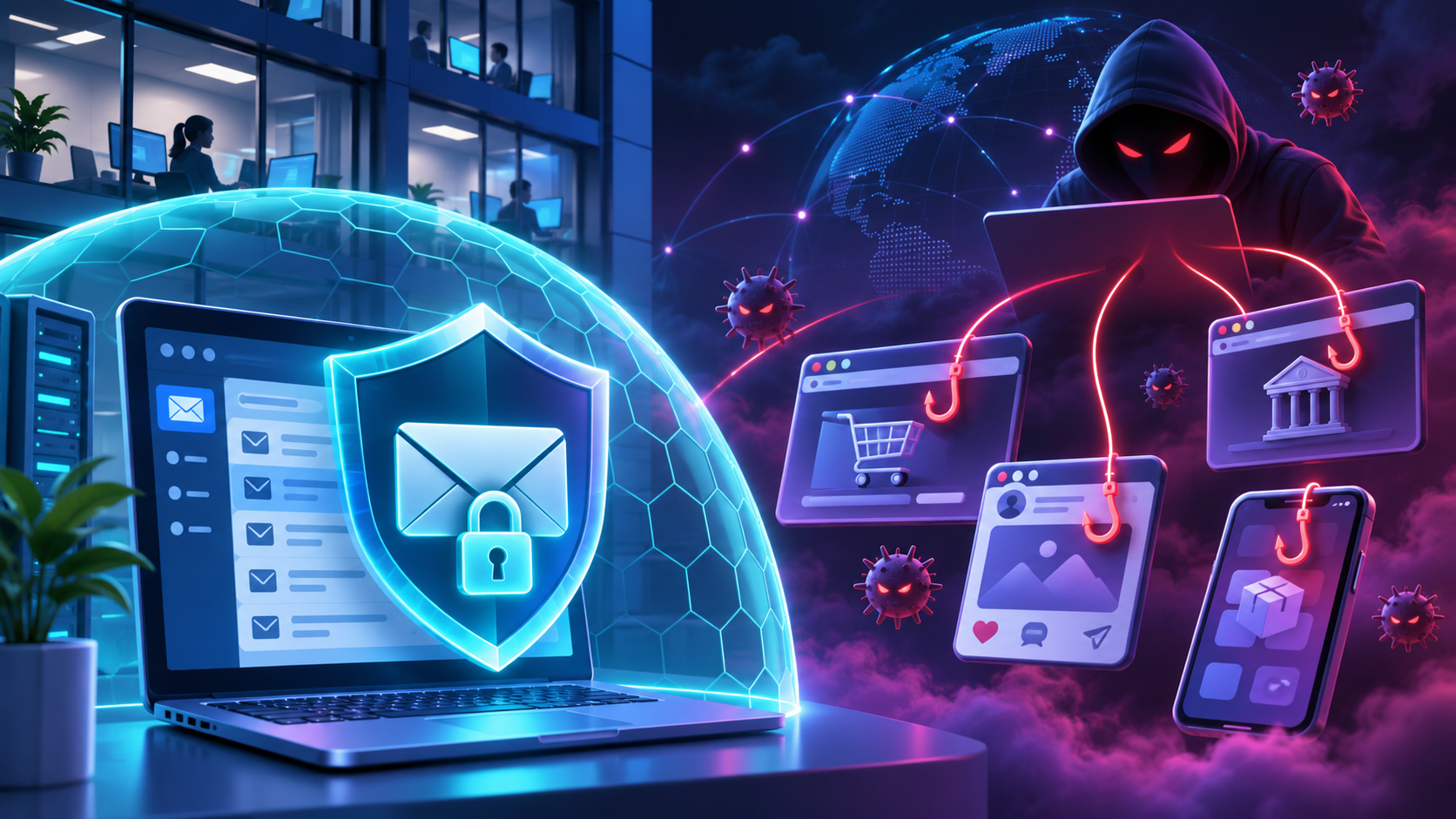
Attackers targeting your customers rarely run a single scam page. They build a fraud pipeline: a cloned website, a fake social account promoting it, a malicious app copying your branding, a shortened URL to avoid filters, a deep link that drops a victim straight into a payment form, and a paid search ad buying traffic for all of it. That's one coordinated campaign, built to reach people who have never worked for you and never touched your email gateway.
Inbox filtering and employee training tools have no visibility into any of it. They scan messages sent to staff. They don't scan the web for pages impersonating your login screen, scan social platforms for fake company profiles, or scan app stores for fraudulent apps using your name. That's not a feature gap inside those tools; it's outside the problem they were built to solve.
This is also where vendor comparison content tends to go quiet. Buying guides built around employee-facing software rarely draw a line between protecting staff inboxes and protecting customers from brand impersonation. They compare filtering accuracy, training content, and reporting dashboards, all on the employee side, without ever addressing whether the same budget covers the scam page a customer might land on after clicking a sponsored ad.
How fast a customer-facing scam campaign moves
A phishing site aimed at your customers often doesn't last long. Research from Netcraft puts the typical lifespan at less than 24 hours before a site monetizes and disappears. By the time any single piece of a campaign gets flagged and reported, the rest is already running, and AI tooling is shortening that window further by removing the technical skill it used to take to stand up a convincing fake.
Most technical detection built on reporting and blacklisting assumes a specific attack shape: the same phishing email sent to a large number of people, where enough early reports let a blacklist catch the later copies. That works reasonably well against mass, identical phishing runs. It does nothing for the first people who hit a brand-new scam page before anyone has reported it, and it does nothing against an attack built for a small number of specific targets rather than a mass blast.
That second category isn't a minor edge case. Spear-phishing, the customized, small-target version of the attack, is used by 65 percent of groups running targeted attacks, compared with 23 percent relying on zero-day vulnerabilities. A detection method tuned for volume misses the method attackers actually prefer when they're after something specific, whether that's a customer's credentials or access to a company's own systems through a convincing impersonation.
The channels these tools never touch
Software scoped to registered domains or employee email will, by design, miss most of the surface where customers actually encounter impersonation. Domain monitoring catches lookalike domains and typosquatting registered against your brand. It won't catch a fake account on a social platform, a fraudulent app in a marketplace, or a scam ad running on a search engine, because none of those run through a domain registration you'd be watching.
Netcraft's research describes exactly this pattern: Monitoring that only covers registered domains will miss most of the attack surface. The attack surface customers actually face spans cloned websites, fake social profiles, malicious apps, shortened and deep links, and paid ad placements, all working together as one fraud pipeline rather than six separate threats.
Full removal of that infrastructure isn't the only lever available while a takedown is in progress. Browser-based blocking, registrar action, hosting provider notification, platform reporting to the social network or app store, and malicious URL blocking can all reduce how many customers reach the scam while automated takedowns and the rest of the permanent removal process work through to completion. Treating removal as the only option leaves customers exposed during the gap, which on a fast-moving campaign can be most of its active life.
Where fragmented monitoring breaks down
That ownership split isn't just an organizational quirk. It's the reason a coordinated scam can run from start to finish without anyone connecting the dots. A domain team flags a suspicious registration. A security team sees a phishing indicator pointed at the same brand weeks later. A fraud team fields a customer complaint about a fraudulent charge. A brand team notices a fake account promoting the same scam on social media. Four teams, four data points, and unless someone is actively tying them together, four separate incidents instead of one tracked campaign.
That matters because the pieces aren't actually separate. The registration, the hosting, the social promotion, and the customer complaint are stages of a single attack, and a scam that's recognized as one campaign gets prioritized, escalated, and taken down differently than four unrelated tickets sitting in four different queues.
Fixes that close the gap
Closing the gap between employee-focused software and the scams customers actually face doesn't start with a purchase order. It starts with process, then adds the digital risk protection capability built for the customer side.
Start with ownership and response playbooks
Assigning cross-functional ownership across domain, security, fraud, and brand teams costs nothing in new software, and it closes part of the visibility gap before any purchase decision gets made. If one person or team is responsible for recognizing that a suspicious domain registration, a phishing indicator, a fraud complaint, and a fake social account are the same campaign, that recognition happens in days instead of whenever someone happens to compare notes.
Defined response playbooks help the same way. Write down what happens when each team spots a signal, and who they tell. Then change what gets measured. Alert volume tells you how busy the tools are. Confirmed removals tell you whether customers are actually safer. Measuring the second instead of the first changes what the team optimizes for.
Add external detection built for the customer side
Once ownership is defined, the next step is coverage for the surface employee-focused tools never reach, including domain monitoring for lookalike domains and typosquatting, along with fake social profiles, fraudulent apps, and the cloned sites running all of it. This is where Bolster AI fits. Bolster AI's approach follows a detect, investigate, connect, and act progression, tying scattered indicators across platforms into one tracked campaign rather than logging each channel as its own isolated alert.
That connected view is the part fragmented monitoring can't produce on its own. A lookalike domain, a fake profile promoting it, and a cloned login page get investigated and linked as one threat, then moved toward removal as a single case through automated takedowns for confirmed threats. Human analysts stay in that workflow for the edge cases that need judgment, confirming context before action gets taken rather than running the process without anyone checking it.
What to decide next
The question worth answering before the next renewal cycle isn't whether your phishing defenses are good. It's whether they cover employee inboxes only, or whether they extend into digital risk protection across the domains, social profiles, apps, and marketplaces where your customers are actually targeted. Those are different problems, and most budgets answer only the first one.
Check existing coverage against those four customer-facing surfaces before renewing or expanding any employee-focused tool. If a scam site impersonating your brand, a fake account promoting it, or a fraudulent app using your name would go unnoticed today, that's the gap worth addressing next, not the inbox filter you already have working well. Request a demo to see how detection, investigation, connection, and takedown work together against the customer-facing campaigns inbox tools were never built to see.
References
"Best anti-phishing software for accounting firms in 2026 | Cyber Aware." cyberaware.com, https://cyberaware.com/blog/anti-phishing-software-for-accounting-firms.
"From Detection to Disruption | Netcraft Guide." netcraft.com, https://www.netcraft.com/guide/from-detection-to-disruption.
"How Experts Detect Phishing Scam Emails." rickwash.com, https://rickwash.com/papers/V4cscw160-washA.pdf.